by
DEWW IT Solutions
| Mar 17, 2026
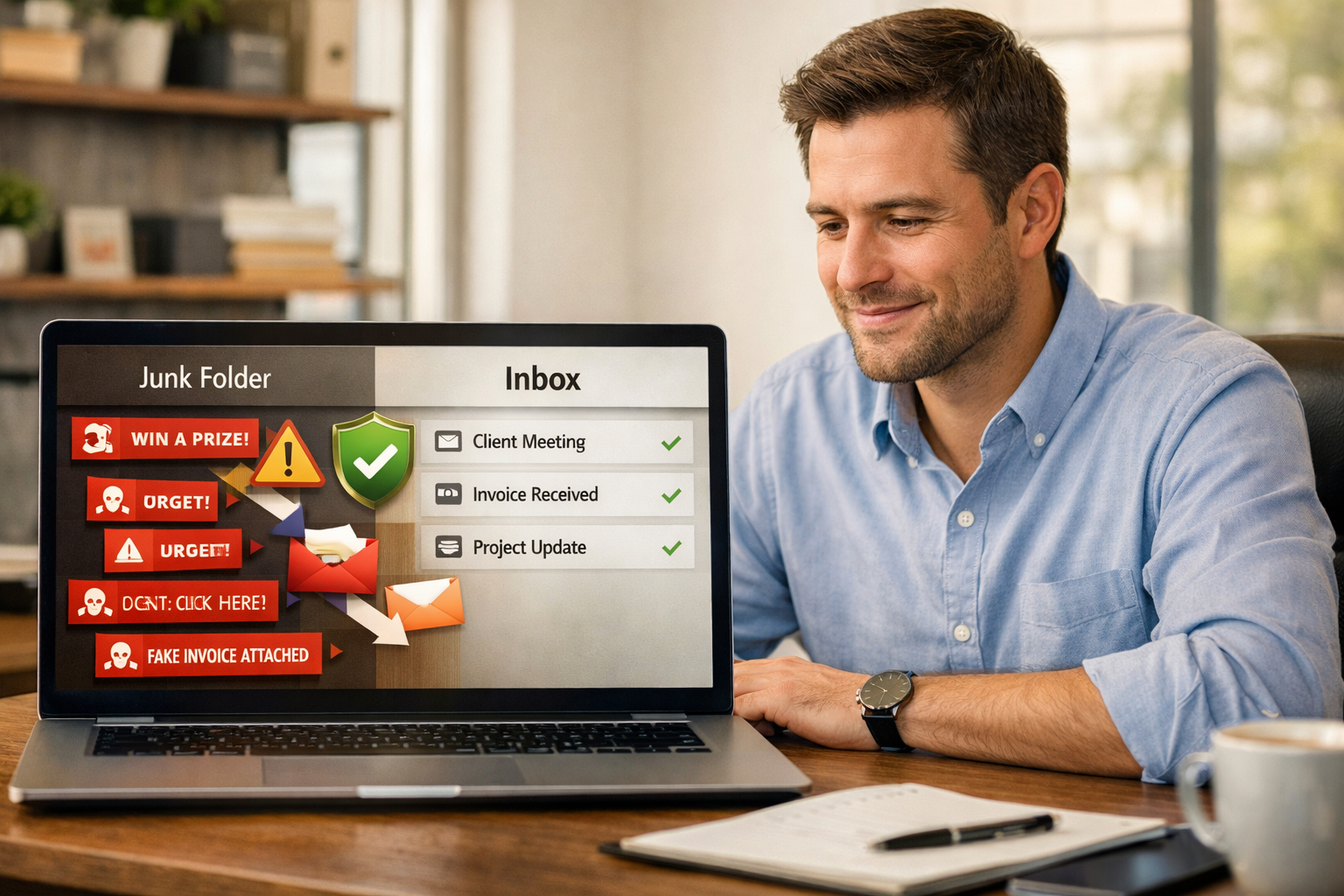
How to Keep Spam Under Control in Your Email Inbox Without Missing Important Messages
Email is still one of the busiest roads in any business. It is where quotes get approved, appointments get confirmed, invoices get sent, and customer questions land first. The problem is that this same road is also packed with junk traffic.
Spam email is more than a daily nuisance. It clutters your inbox, wastes time, hides important messages, and sometimes carries real risk. Some spam is just annoying sales noise. Some of it is bait designed to trick you into clicking a bad link, opening a fake invoice, or handing over private information.
The good news is that keeping spam under control does not require a computer science degree or a full-time inbox babysitter. A few smart habits and the right settings can make a big difference.
Why spam is more than just clutter
Most people think of spam as a minor irritation. It is that pile of nonsense you delete while drinking your first cup of coffee. But in a small business, too much junk in the inbox can cause bigger problems.
When inboxes stay crowded, employees get used to skimming instead of reading carefully. That is when suspicious emails can slip through. A fake shipping notice, a phony password reset, or a message that looks like it came from a customer can catch someone off guard. Spam also makes it easier to miss real messages from clients, vendors, and coworkers.
In other words, spam is not just messy. It can be expensive.
How spam finds its way to you
Spam shows up for a lot of reasons. Sometimes your address gets added to mailing lists after a purchase, a download, or a website signup. Sometimes it gets scraped from public websites or social media pages. In other cases, your address may be exposed in a data breach and passed around like a flyer nobody asked for.
Once spammers know an address is active, they keep testing it. That is why one bad wave of junk mail can turn into a steady drip.
Simple ways to keep email spam under control
Use the spam or junk button instead of just deleting messages. This helps train your email system to recognize similar junk in the future. Deleting clears the clutter for the moment, but reporting it helps prevent more of the same.
Be careful with the unsubscribe link. If the message is from a legitimate company you recognize, unsubscribing is fine. If it looks suspicious, skip the link and mark it as spam instead. Clicking the wrong unsubscribe button can tell a scammer that your address is active.
Block repeat offenders. If the same sender keeps sneaking through, block the address or domain. It is a simple step, but it can cut down on repeat junk fast.
Keep your main business email for real business. The more places you use an address for coupons, downloads, and random signups, the more junk it collects. When possible, separate public signups from day-to-day business communication.
Slow down before clicking links or attachments. Spam often works because it creates urgency. It wants you to think fast and click faster. If a message feels off, even a little, pause and take a second look.
Review your inbox rules and shared mailbox settings. Sometimes spam is not just landing in the inbox. It is being auto-forwarded, sorted poorly, or mixed into shared folders where no one notices it until it causes trouble.
Teach your inbox what belongs there
A lot of people assume spam filters should work perfectly right out of the box. In reality, they get better when they are used properly. The more consistently you mark junk as junk and safe messages as safe, the smarter your filtering becomes.
This matters for small businesses because every team has its own email patterns. One business gets purchase orders. Another gets medical forms. Another gets scheduling requests. Your inbox should reflect how your company actually works, not just a generic filter setting.
It also helps to create a simple process for your team. If everyone handles suspicious email differently, spam control gets sloppy. A shared habit works better. Report suspicious messages. Do not reply to them. Do not open attachments just because a familiar name appears in the sender line. Names are easy to fake.
Watch for the dangerous stuff hiding inside the junk
Not all spam is just trying to sell you something you do not want. Some messages are aimed at stealing passwords, payment information, or access to company accounts. These messages often look polished on purpose. They may copy a bank logo, mimic a vendor, or pretend to be a manager asking for a quick favor.
That is why inbox cleanup and email security go hand in hand. A cleaner inbox makes suspicious messages easier to spot. When employees are not digging through a mountain of nonsense, they are more likely to notice when something feels wrong.
A good rule of thumb is simple: if an email pushes you to act urgently, send money quickly, open an unexpected attachment, or log in through a link, slow down and verify it another way.
When it is time to get extra help
If spam has gone from annoying to constant, it may be time for a deeper review. This is especially true if your team is seeing fake invoices, messages pretending to come from leadership, or important customer emails landing in junk.
That usually points to a bigger need: better filtering, cleaner email settings, smarter user training, or stronger protection around your business accounts. Think of it like fixing a leaky roof. A bucket on the floor helps for a little while, but it is better to stop the leak at the source.
Final thoughts
A healthy inbox is not about perfection. A little junk is always going to show up. The goal is to keep it from taking over, wasting your team’s time, or creating an opening for something more serious.
With a few better habits, clearer rules, and the right support, your inbox can go back to doing what it is supposed to do: helping your business communicate, not distracting everyone with digital junk mail.
If your team is tired of sorting through suspicious messages and inbox clutter, DEWW I.T. Solutions can help you clean things up and tighten your email security. Call 361-575-7656 to talk with someone about making your inbox easier to manage.
